
Select Roles
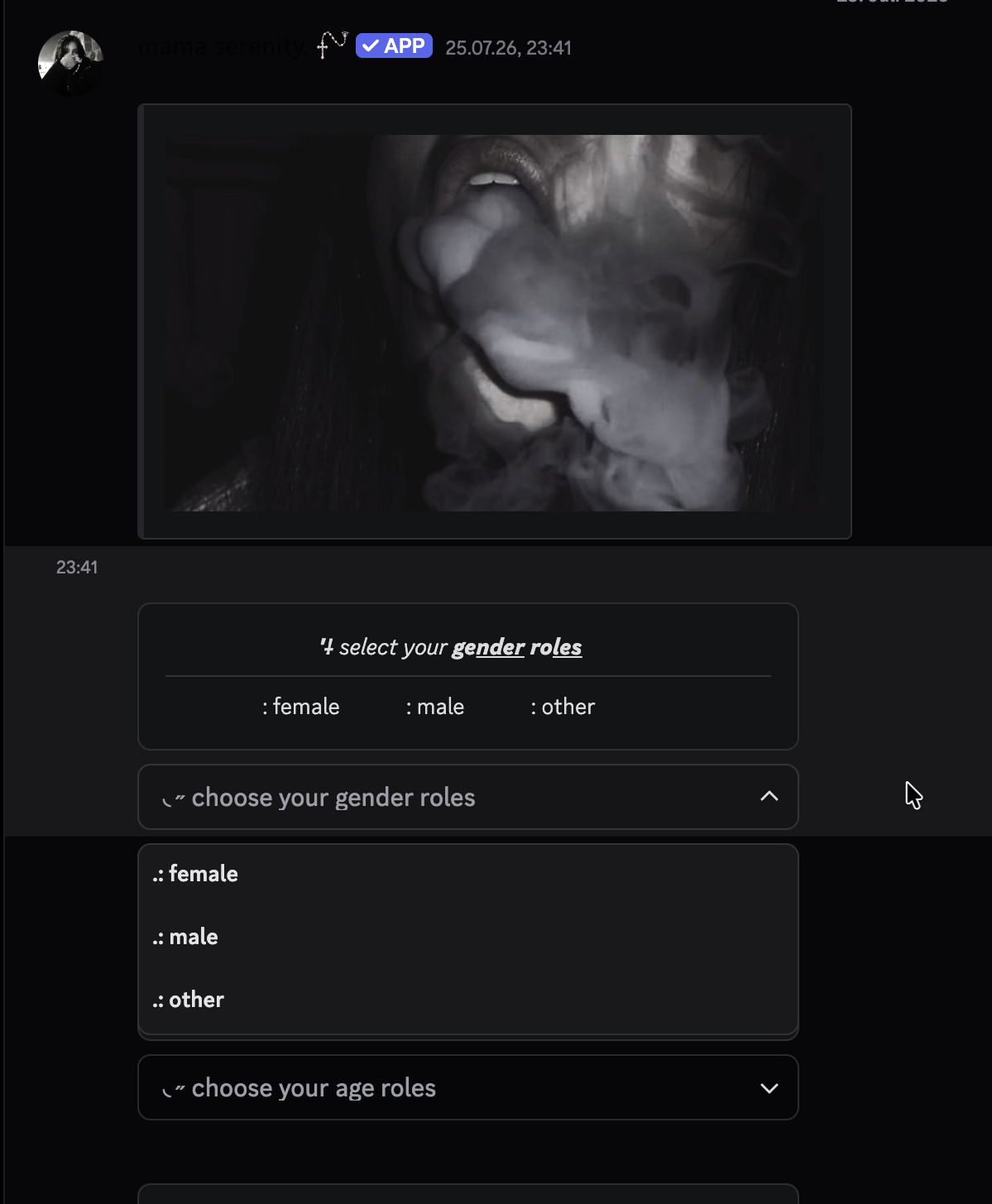
A dropdown menu members pick their roles from.
Replace [prefix] with your server's prefix.
Select roles put every option behind one dropdown instead of a wall of buttons or reactions - the right choice when there are more than a handful of roles to pick from. One message can carry several menus.
Creating a Menu
The menu lives on a message serenity sent, so start with an embed of your own:
Post the message
Use
[prefix]embed createor any command that makes serenity post - the menu attaches to that message.Create the menu
// Syntax
[prefix]selectroles create [message] [name] [single|multi] [placeholder]

// Example
;selectroles create 1120102... colors multi Pick your colours
Add the options
// Syntax
[prefix]selectroles add [message] [menu] [label] [emoji] [role]

// Example
;selectroles add 1120102... colors Red 🔴 @red
Needs Manage Roles. [prefix]sr is the short form, and dropdownroles and
menuroles work too.
| Mode | Members can hold |
|---|---|
single | One role from the menu at a time |
multi | As many as they like |
Managing Them
| Command | What it does |
|---|---|
[prefix]selectroles remove [message] [menu] [label] | Drop one option |
[prefix]selectroles delete [message] [menu] | Delete a whole menu |
[prefix]selectroles removeall [message] | Every menu on the message |
The menu name is an internal id, not a label - it can't contain a colon, and it has to be short. What members see is the placeholder and the option labels.
Two menus on one message beat one menu with thirty options: colors and
pings, each with its own placeholder, read as two questions instead of one
enormous list.
Which Kind to Use
Button Roles
Up to a handful of roles, one click each, always visible.
Reaction Roles
Works on any message, including ones serenity didn't send.
Last edited