Setting up Leave
Setting up the channels and message for both welcome & leave events
Replace [prefix] with your server's prefix.
Creating a Leave Channel
-
Head over to your Discord Server
Click on the Discord Server that you would like to setup leave for using serenity.
-
Create the channel
Setup permissions for the channel with the desired name, for this example we will be using
#leave
Creating an Embed and setting the Leave Channel
-
Creating the Leave Embed
Run the [prefix]embedsetup command to create the leave embed which you can use variables with. For more information regarding variables click here.
-
Setup the Leave Channel
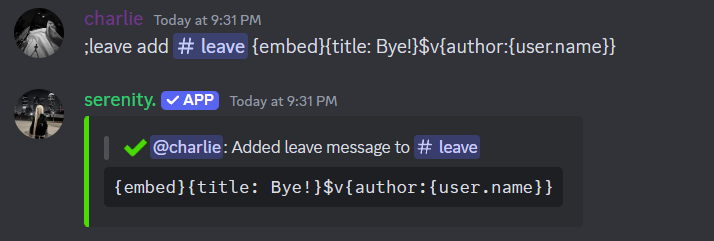
Run the [prefix]leave add command, which will give you further information.
// Syntax
[prefix]leave add [channel] [code]

// Example
[prefix]leave add #welcome {embed}{title: Bye!}$v{author: {user.name}}
Remove Leave Embeds
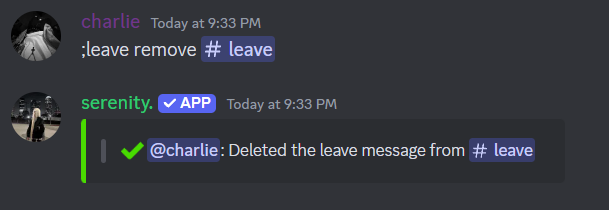
If you wish to remove the leave system from a channel, or you want to remove all embeds on the current server, you can run:
// Remove a specific Leave Embed
[prefix]leave remove #leave

//Remove all Leave Embeds from the Server
[prefix]leave reset