
Setup
Switch the economy on, pick global or private, and manage balances.
Replace [prefix] with your server's prefix.
Turning It On
// Syntax
[prefix]economy setup [global|private]

// Example
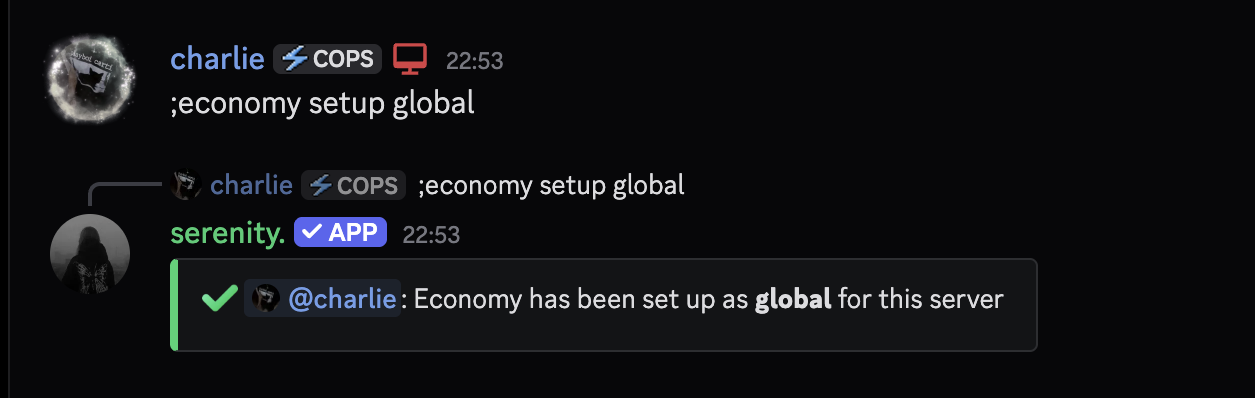
;economy setup global
Requires Administrator. Until this runs, every economy command tells members the economy isn't set up.
Global or Private
This is the one decision that matters, and it decides whose money your members are playing with.
One balance per member, shared across every server that runs a global economy. Someone who's been playing elsewhere walks in rich, and the leaderboard is a global one. Nobody can hand out money.
| Global | Private | |
|---|---|---|
| Balances | Shared across servers | This server only |
| Members start with | Whatever they already have | Nothing |
[prefix]economy addmoney | Not available | Administrators |
| Progress if you reset | Kept | Deleted |
The type can't be switched later - [prefix]economy setup refuses if the server
already has one. Changing your mind means a reset, and on a private economy that
wipes every balance and laboratory on the server.
Handing Out Money
// Syntax
[prefix]economy addmoney [member] [amount]
[prefix]economy removemoney [member] [amount]

// Example
;economy addmoney @member 50000
Requires Administrator, and only works on a private economy - a global balance is shared with other servers, so no single server gets to mint into it.
Resetting
// Syntax
[prefix]economy reset

// Example
;economy reset
Requires Administrator and asks for confirmation first. It removes the economy configuration, so the commands stop working until it's set up again.
On a private economy this deletes everything
Every balance, every laboratory and every cooldown on this server goes with it. A global economy keeps its balances - they don't belong to this server in the first place.
Last edited